Joy
Medlem
-
Oprettet
-
Seneste besøg
-
Dear all . I was not able to answer of all of you because of limitations of daily sms here. problem is fixed and Ofcourse yesterday night I was a little angry and sad because as you can imagine is not nice but now problem is fixed . I also understood the situation here with fake profiles and probably I also made a mistake on not keeping the Nana name. I really want to said thanks to all of you who helped me , write me , support me and apologise for the situation. thanks again to everyone!have a wonderful day
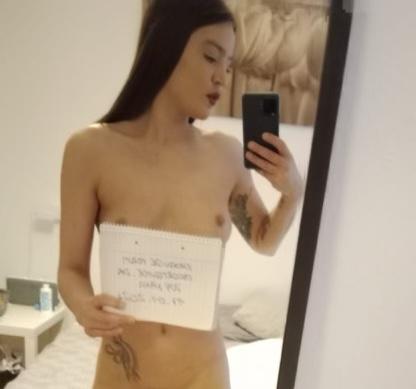
-
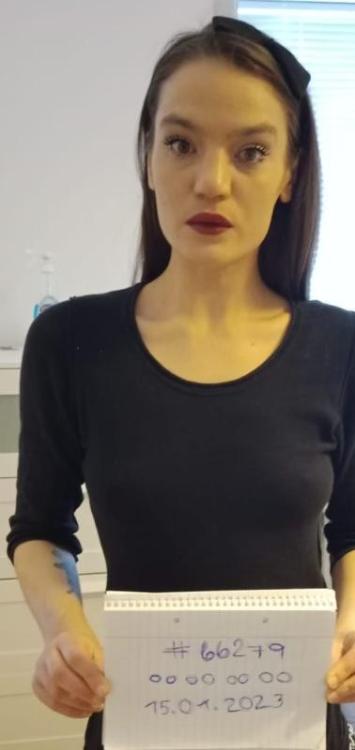
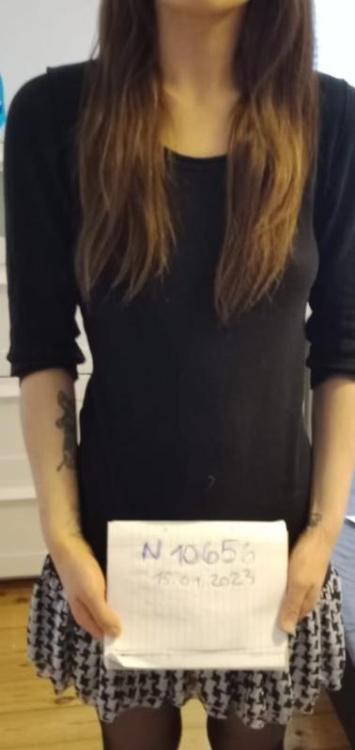
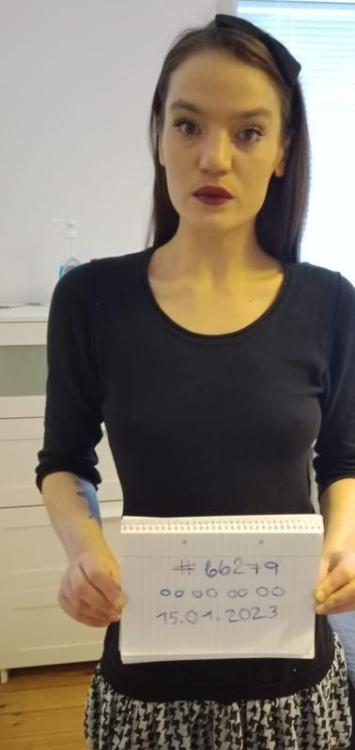
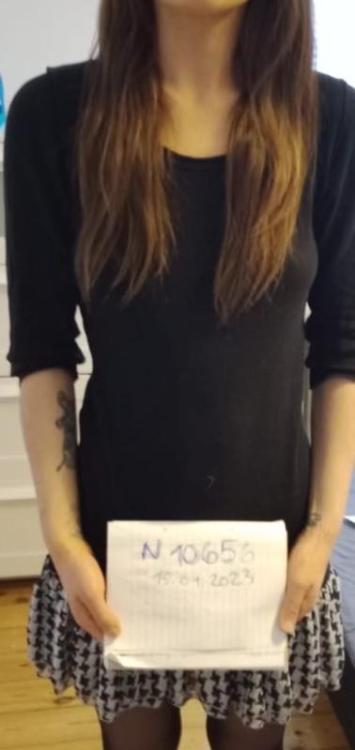
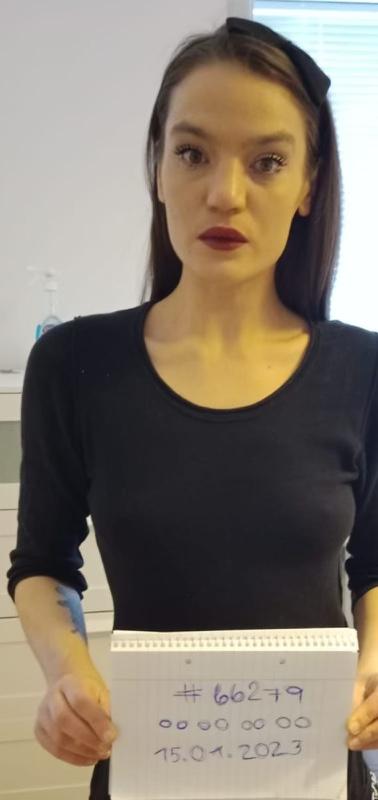
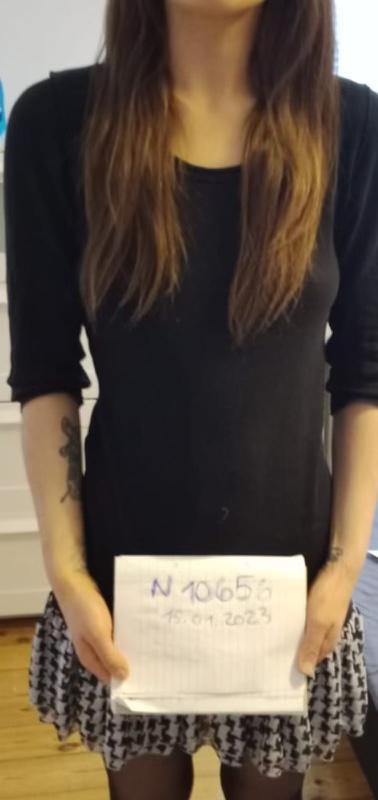
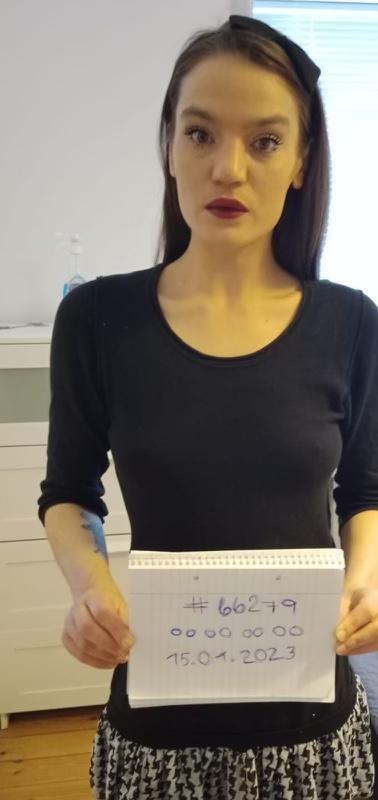
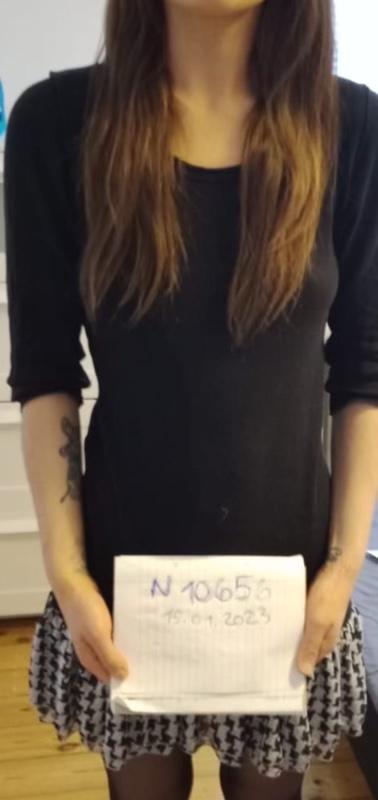
Dear all is me in the pictures is just me everywhere . I will add here tomorrow a picture with the eroguide paper and the tattoos. I did not want to use my name in the past for personal reason but is me . Escort guide put my add down and I lost money and is me in the pictures . Picture belong to me and I seriously want to see how will act escortguide tomorrow Can be I have done a mistake on not promoting myself the personage i am but to put my add down when the pictures belong to me I find to much . Anyway I will ad here a picture with tattoo face date and eroguide paper written by me. if you guys suggest to put my name I will do but I thought is not easy for me with websites to explain . thanka for your advise and again and again is me call me joy call me nana nothing change is me !!! Please look everywhere the tattoos is me in the picture guys …. What a situation. Please somebody need to help me with this. I am feeling bad and don’t know how to handle