Ada
Escortbureau
-
Oprettet
-
Seneste besøg
-
Thanks for the review! :)
-
Ada ændrede sit profilbillede
-
Thank you for all the kind words said about me.Kiss you! ♥️
-
You have a private message with my contact. Thank you !
-
Thank you for understanding! ♥️
-
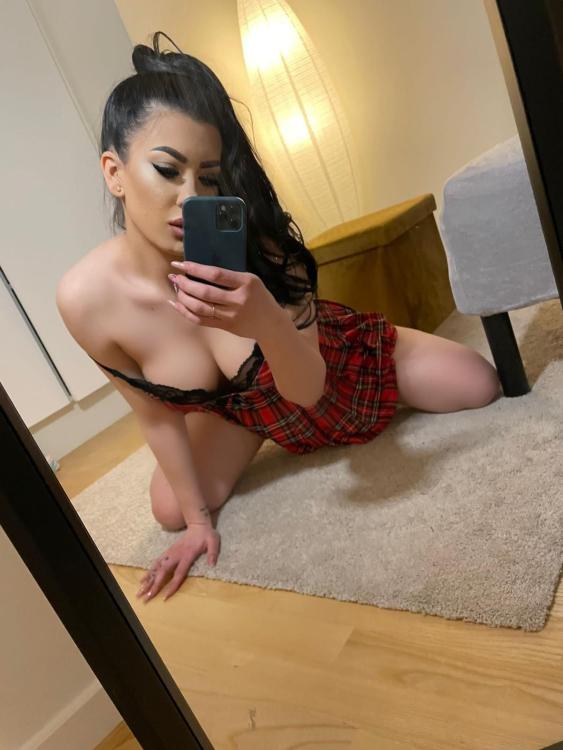
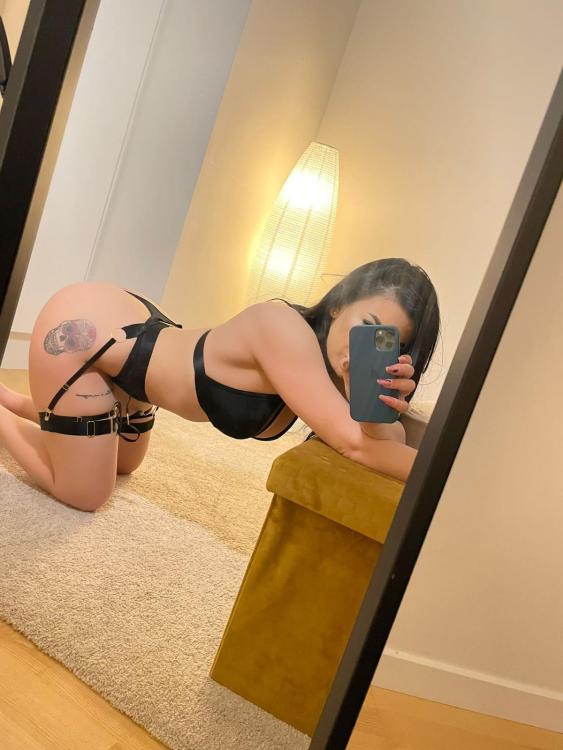
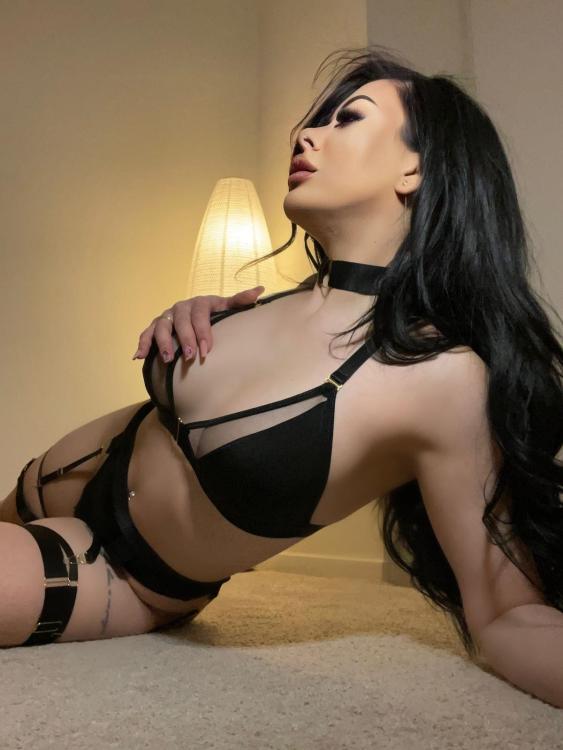
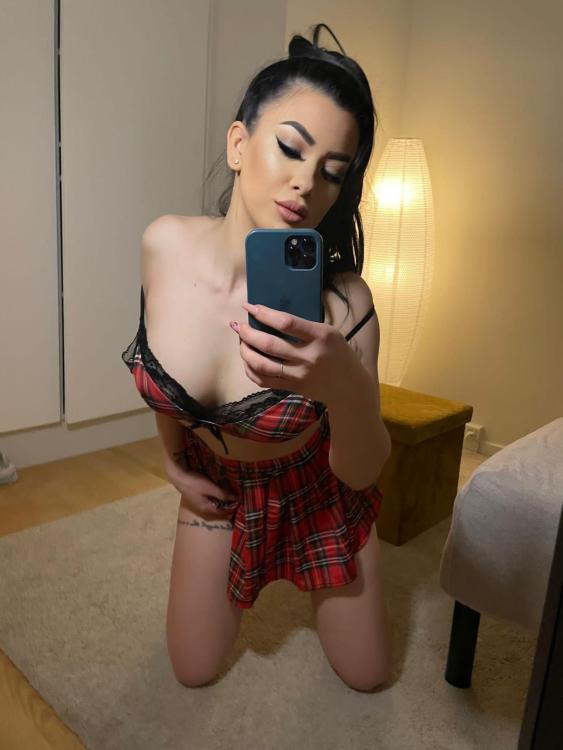
Hello! Here are some new pictures!
-
Thank you honey !
-
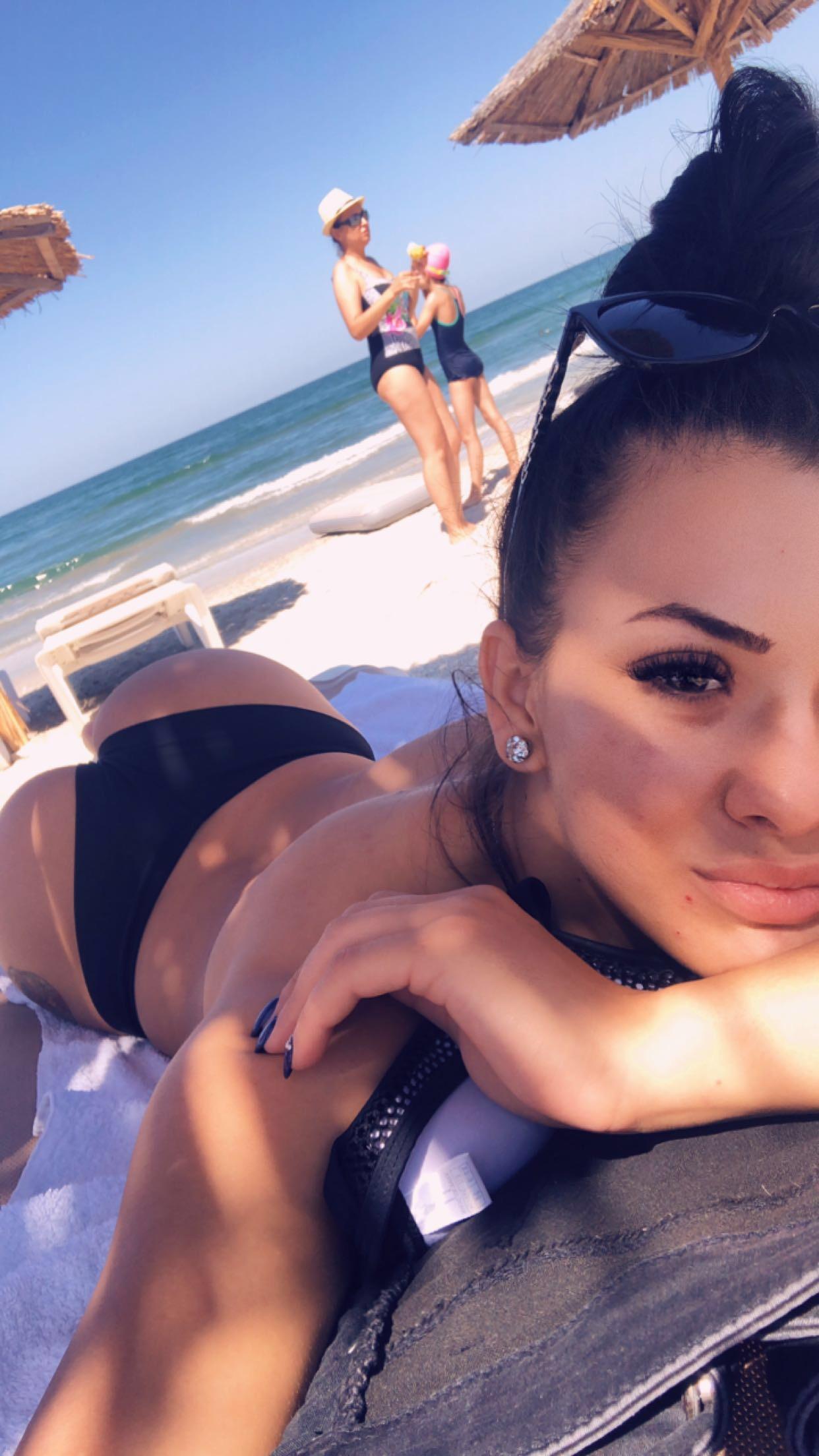
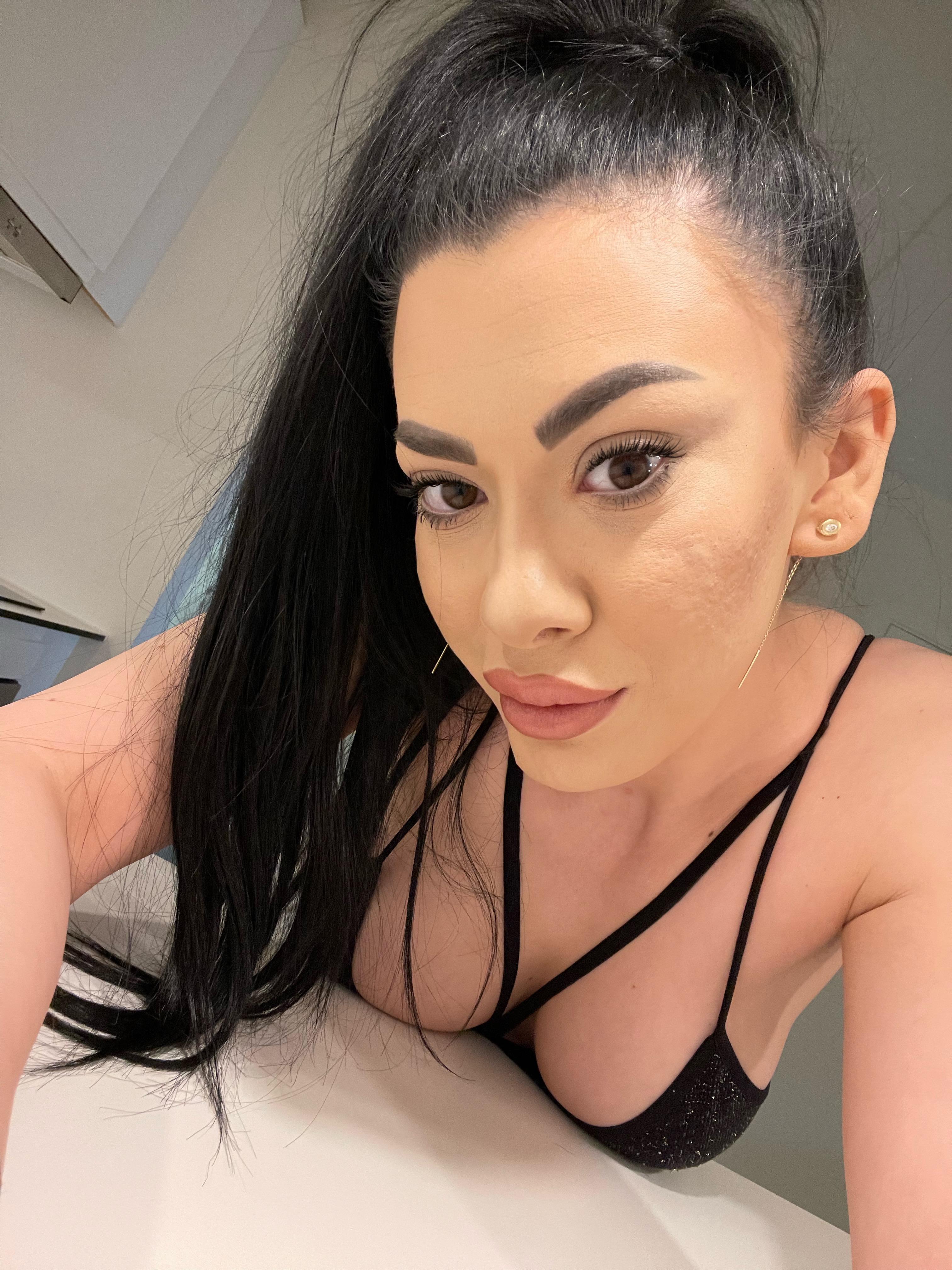
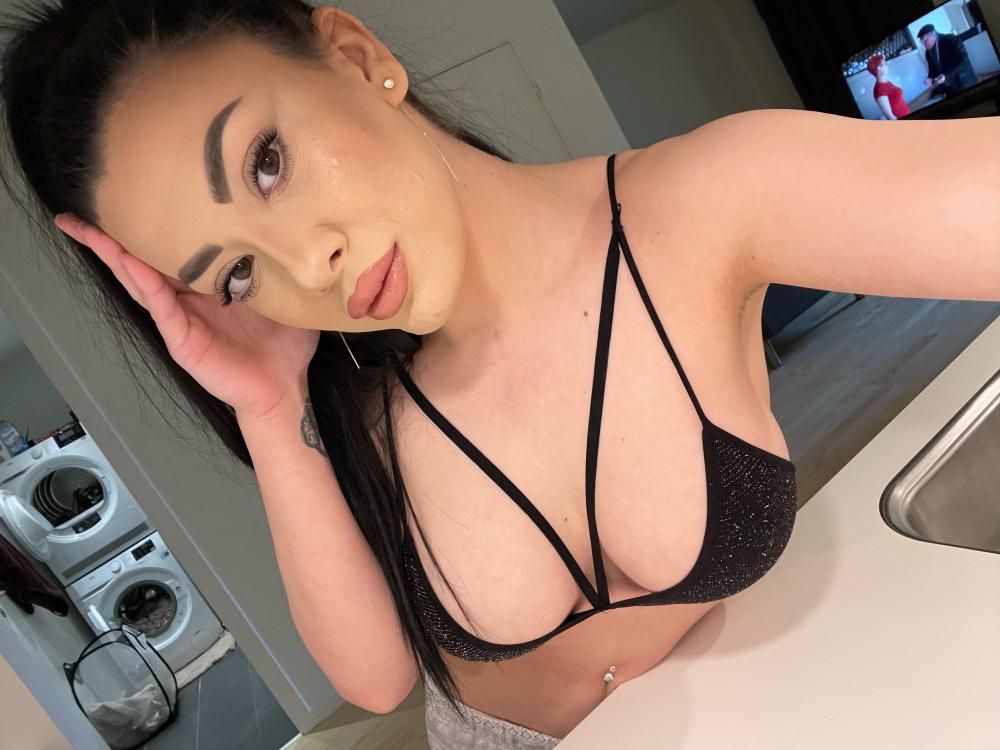
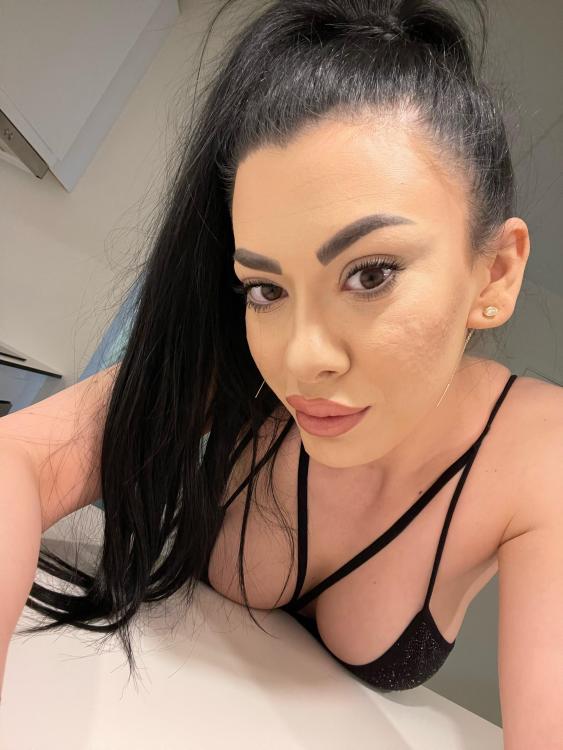
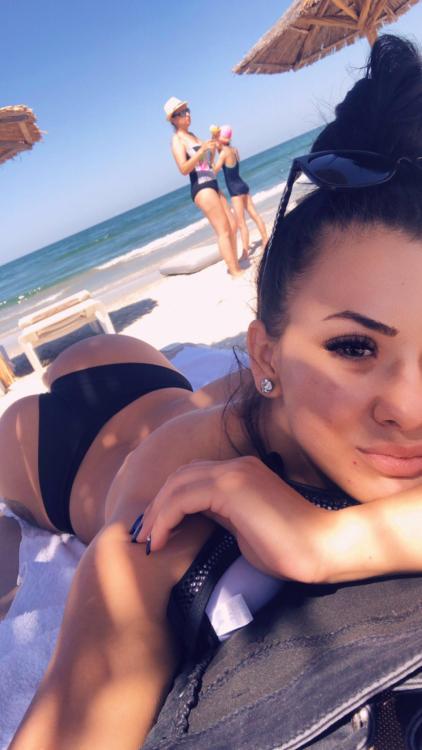
Here is a picture of me from this summer, without makeup, as proof that I was on the beach which was impossible to wear makeup.
-
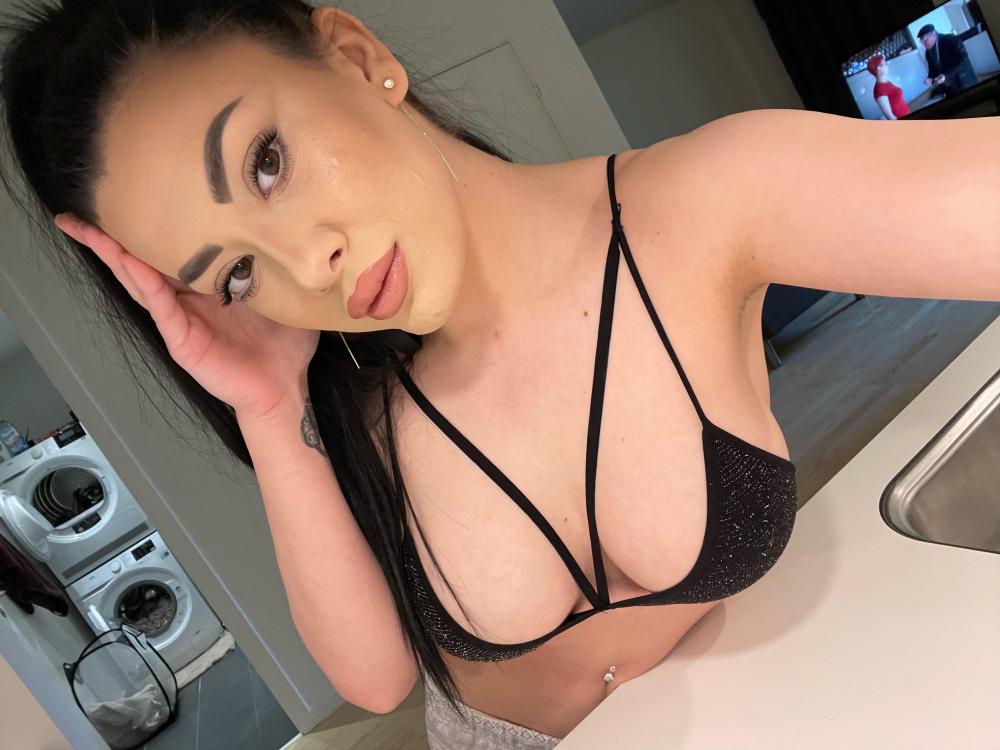
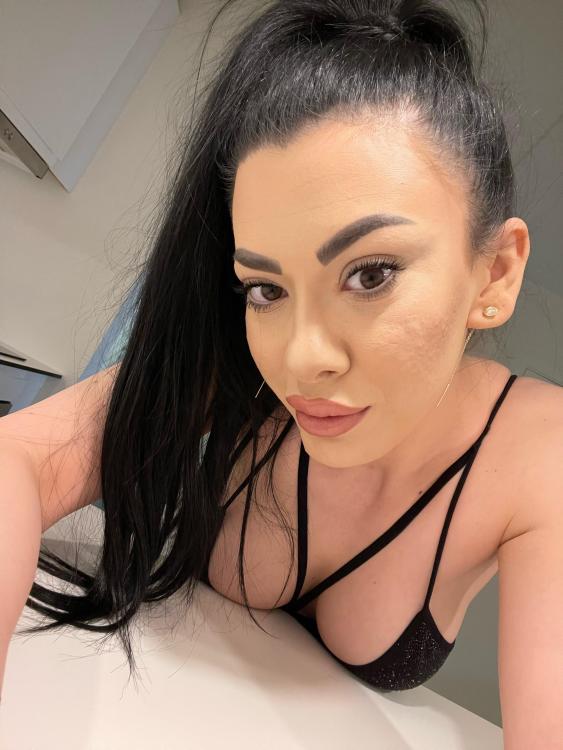
It is not an acne, it is the traces left behind. No filters!
-
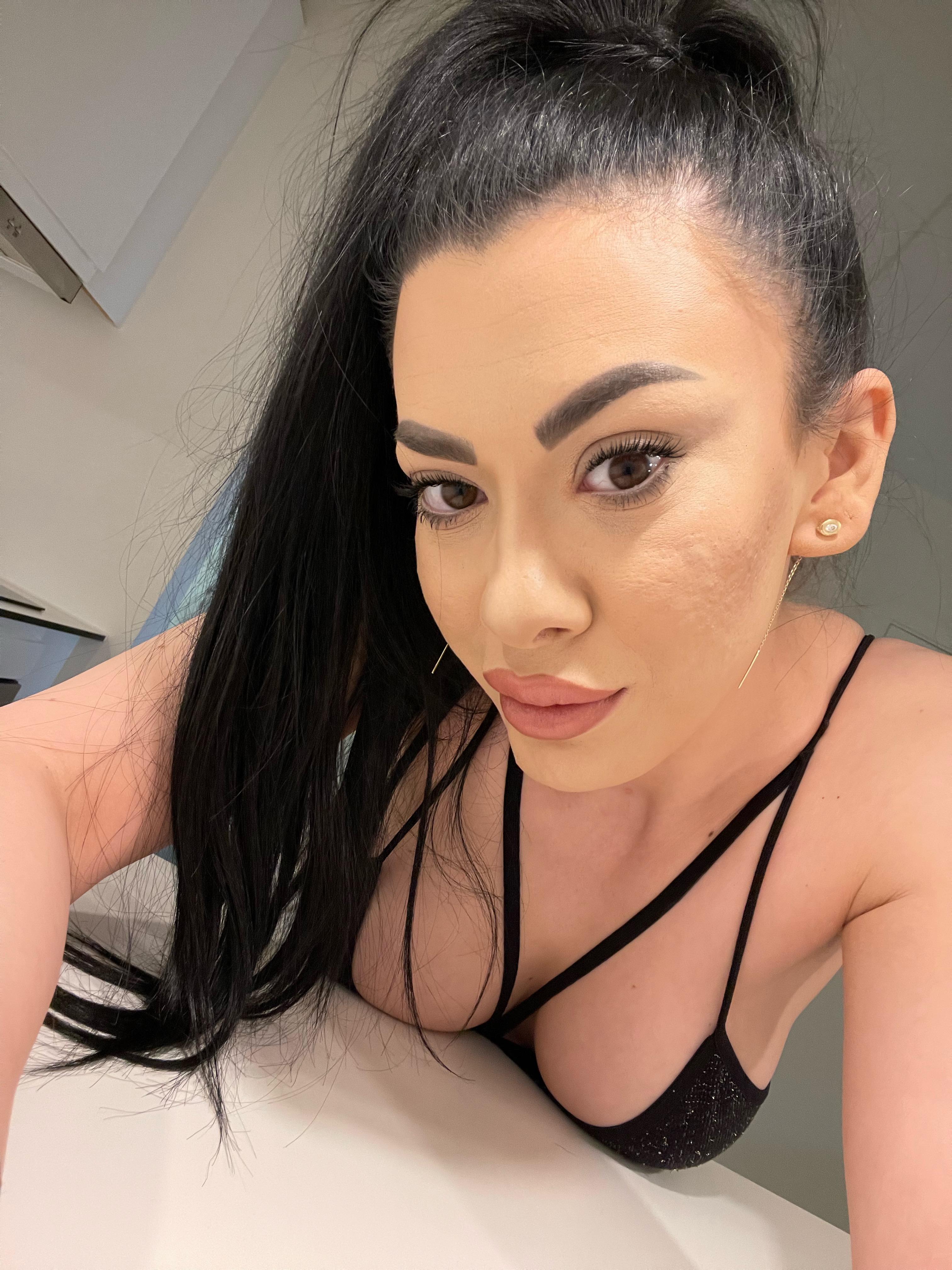
Hello EVERYONE! I have attached below two images with me, without filters. This is me with make-up, but no filters. It is up to everyone to decide whether or not my pictures on the escortguide match me. Let's talk less about my traces of an old acne and more about what I offer and if you are satisfied with the services you have from me. Have a wonderful day!
-
There is also a blowjob without condom, for those with high hygiene, Mr. @MrNormal did not ask about it. This is part of my extra service.
-
Good evening! I'm Ada. I decided to make an account to answer this review. In the past I had acne, but now it is treated, there are only traces left behind, at the moment I am trying to treat these traces as well.I'm sorry for my unmade-up presentation, but I was before in the shower. I do everything I can for you who visit me to leave satisfied. I'm human, I can't be perfect, but I try. Thank you for your review!