Pippa_18
Glædespige
-
Oprettet
-
Seneste besøg
-
Thank you for your answer Pippa
-
I am a little confused on how to turn on my schedule is it okay if I link to an external schedule not related to this site? Pippa
-
He talk about my pussy. His dick is huge and it was hard to get inside
-
Thanks all I will be back but I am not sure when exactly. I love it here and no I am not tiered but I had 2 bad experiences and 1 of them was nasty and dangerous and that it is hard to shake of. I apologize if that has made me seem tired please forgive me I am trying my best to move on. This was my first time in this business and lessons learned are many. No 1 is listen to my guts. If I get bad vibe from start then refuse the client. No 2 is don't have open every day. No 3 would be don't write anything online to avoid toxic people. Today I will relax and go sightseeing so will only take very limited booking Love you all
-
Thanks darling you are so kind Love you
-
Pippa_18 ændrede sit profilbillede
-
I adore you you make me feel better straight away Love you
-
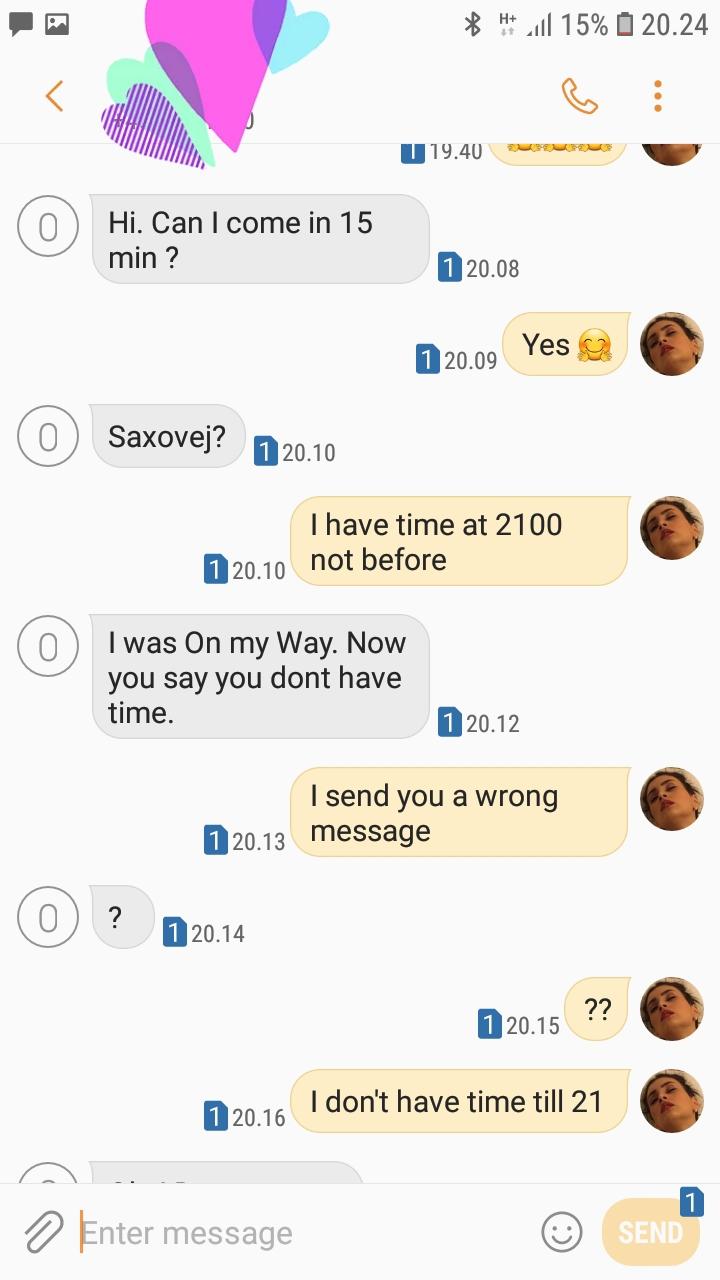
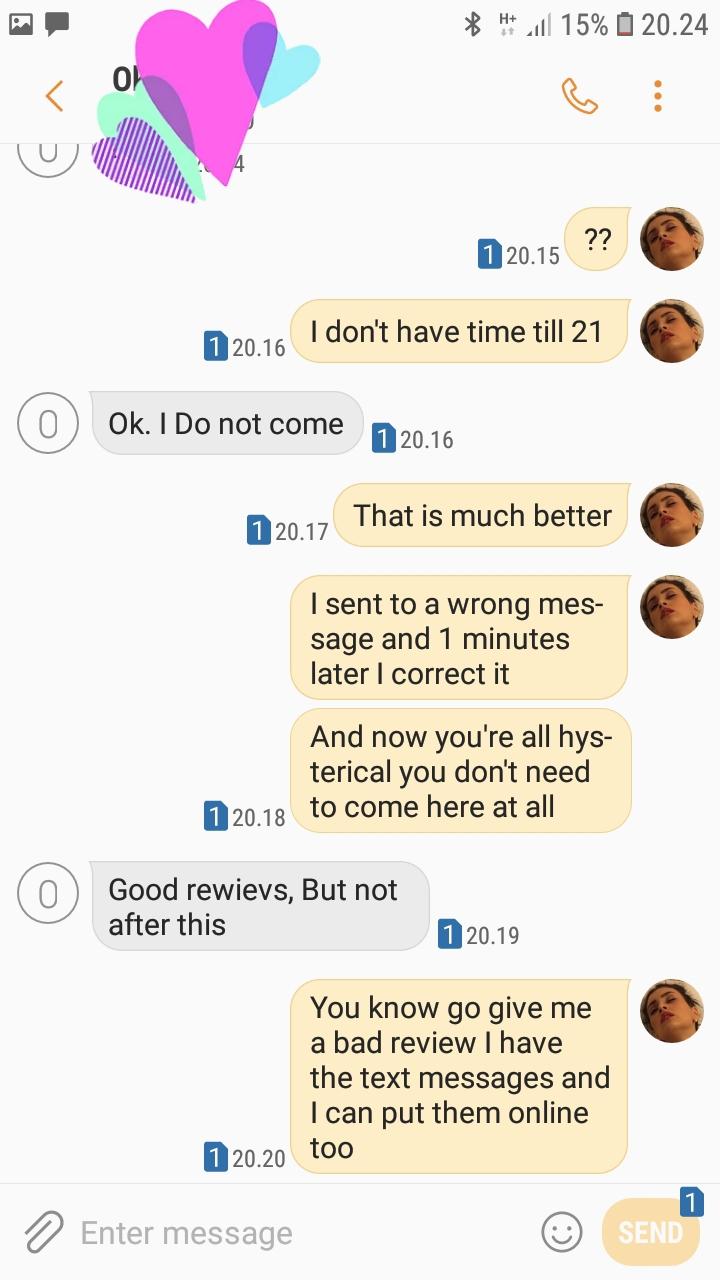
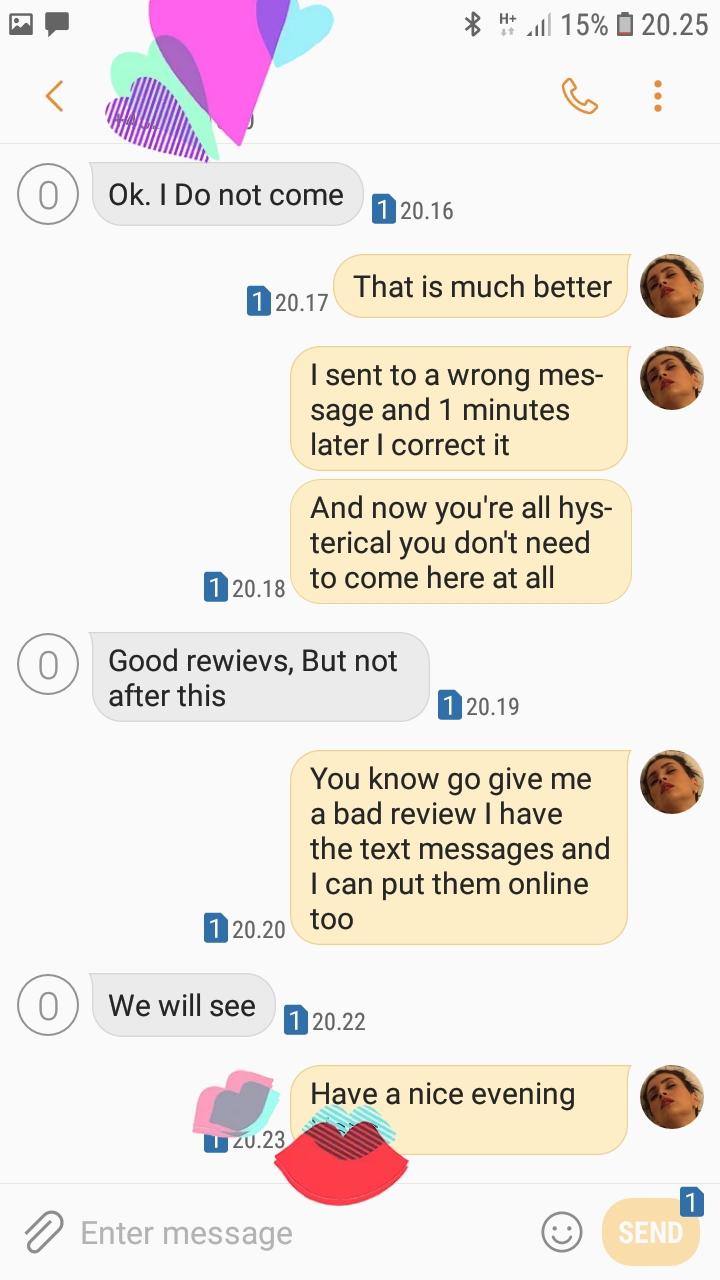
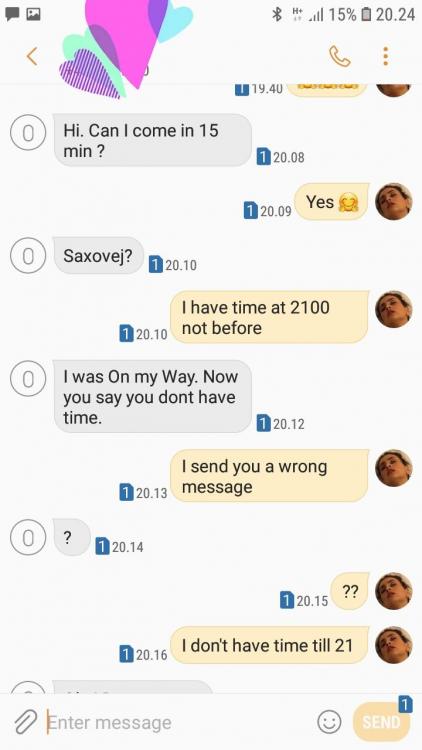
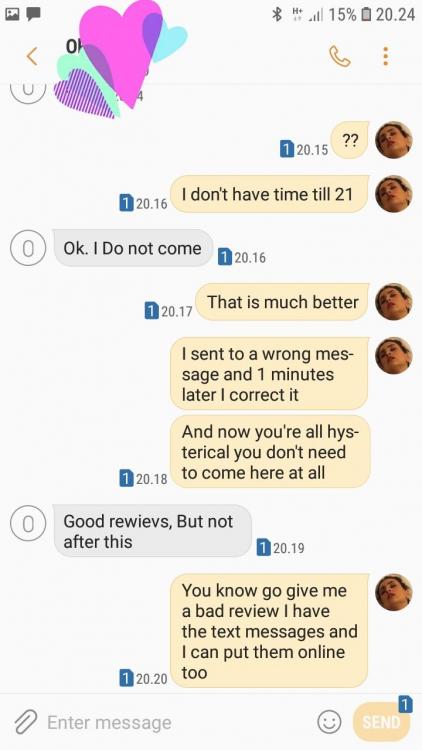
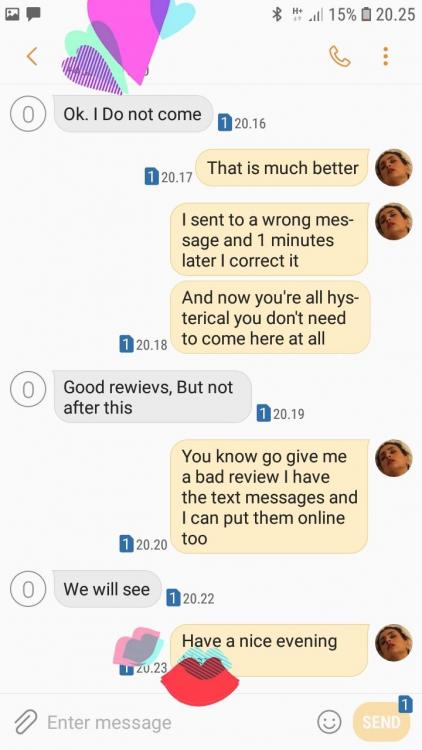
Strange reaction to go hysterical and threatening me with a bad review because I send 1 wrong message that I corrected within 1 minute. Maybe God protected me against an evil and vile man? I guess with so many gorgeous gentlemen in this country there has to be some less nice too Love you all
-
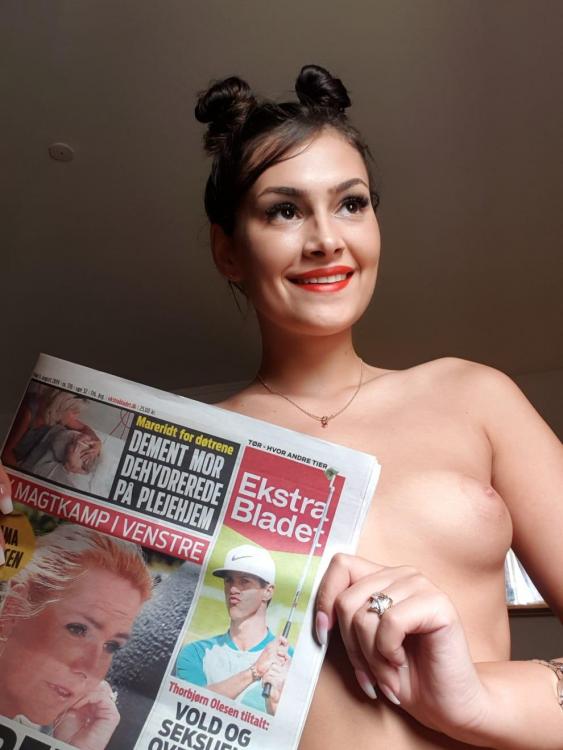
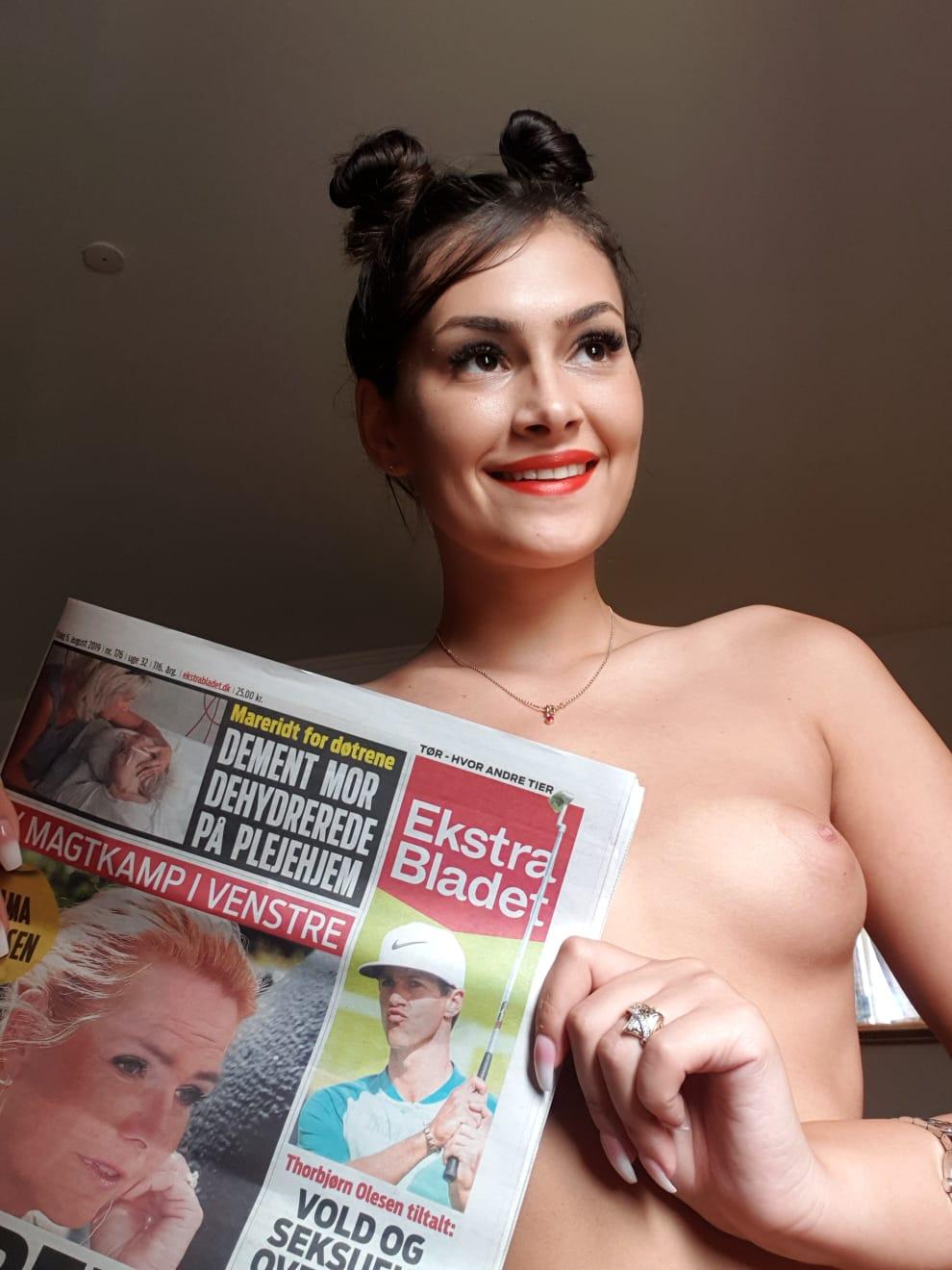
Thanks for the good review I understand some of you ask about my age. I am 18 yo. I attached a selfie with close up of my face and the newspaper so you can assure yourself that I am not a fake or cheating with my age. Welcome all and thanks