Hop til indhold

Luilei12

Medlem
  • Oprettet

Om mig
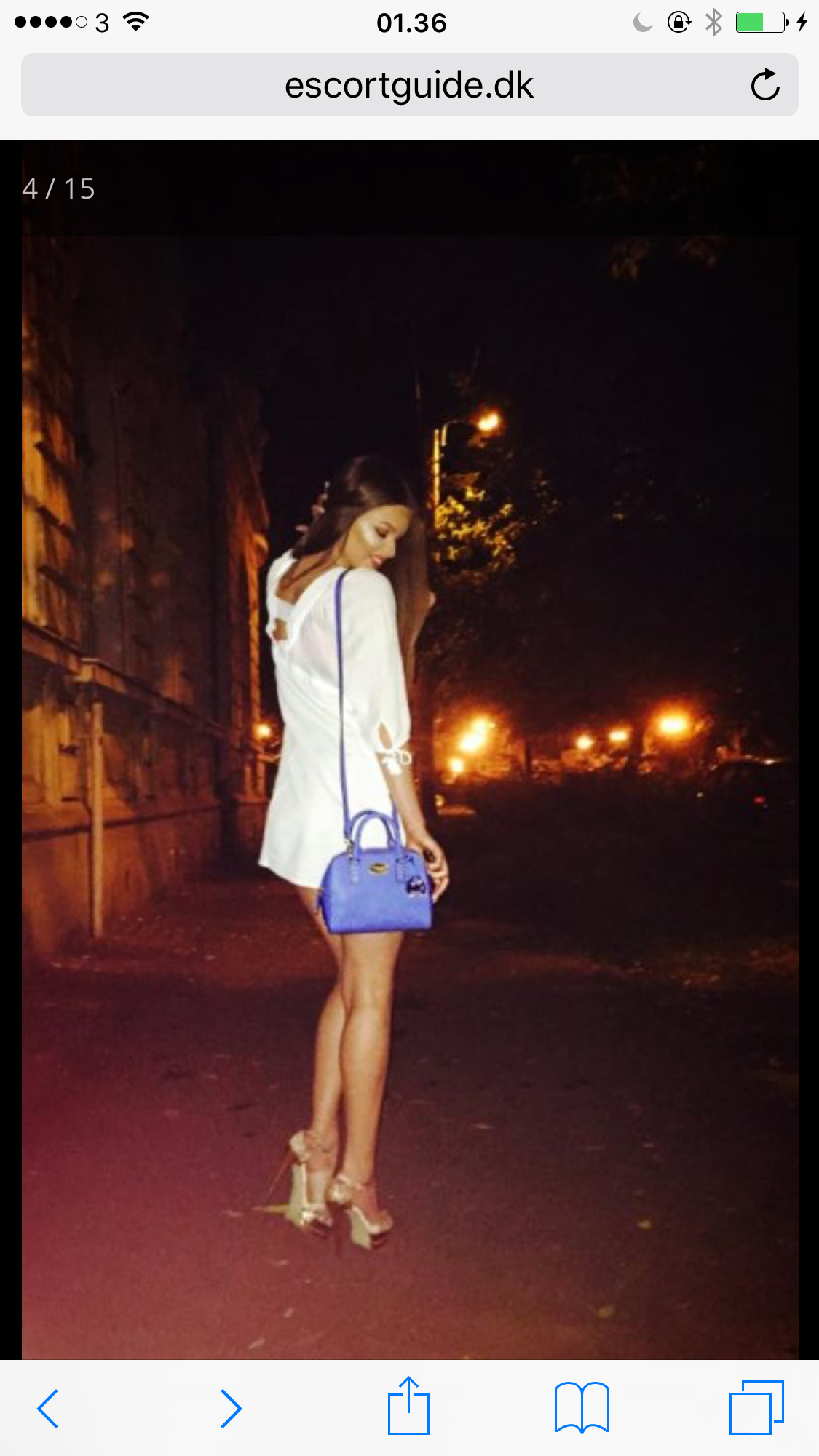
IMG_1035.JPG

IMG_5041.JPG

IMG_2487.JPG

IMG_4726.JPG

IMG_0641.JPG

IMG_4553.JPG

IMG_5715.JPG

IMG_5743.JPG

IMG_5755.JPG

IMG_5757.JPG

IMG_4584.PNG

IMG_4590.PNG

IMG_4597.PNG

IMG_4599.PNG

IMG_4632.PNG

IMG_4482.JPG

IMG_4519.PNG

IMG_5559.PNG

IMG_5058.JPG

IMG_5062.JPG

IMG_5030.JPG

IMG_4484.PNG

IMG_4488.PNG

IMG_4498.PNG

IMG_4504.PNG

IMG_4512.PNG

IMG_4532.PNG

IMG_5841.JPG

IMG_5843.PNG

IMG_5844.JPG

IMG_5845.JPG

IMG_5846.JPG

IMG_5847.JPG

Denne hjemmeside bruger cookies

Vi bruger cookies til at huske dine indstillinger og forbedre din oplevelse på siden. Klik på "Acceptér cookies" for at give dit samtykke. Du kan til enhver tid trække dit samtykke tilbage eller ændre dine cookieindstillinger her.

Account

Navigation

Søg

Søg

Configure browser push notifications

Chrome (Android)
  1. Tap the lock icon next to the address bar.
  2. Tap Permissions → Notifications.
  3. Adjust your preference.
Chrome (Desktop)
  1. Click the padlock icon in the address bar.
  2. Select Site settings.
  3. Find Notifications and adjust your preference.