Thor.2023
Medlem
-
Oprettet
Alting skrevet af Thor.2023
-
Hi, I didn't know who you were, if you had many customers, I didn't know that you had a good reputation and were well known. I read the review, looked at the ad and at the same moment I realized that they were photos of different people, so it's surprising if you've been using the photos for a while and no customers who know you have noticed this. Maybe it's because, as mentioned by some here - that you don't need a photo or an advertisement to work, you already had your reputation. In my case, or like another new client who still doesn't know you personally, I needed to look at the photo and I also don't understand why you used a photo of a girl with so many followers on Instagram, that would be quick for someone to notice. If you have your reasons for using the photos, that's your problem only, but now that I see that you were already known and with a good reputation, as some people wrote, I don't understand why use other people's photos and if the korean girl would really appreciate having her image exposed for this purpose. My account is new yes, but it was not opened because of you, in fact I like blondes, but I read your review and everything else I already explained. Good day Thor
-
I'm a customer and I choose who I want to date, I saw the review and went to the website to see the pictures and they were clearly of different people and it was very easy to find. I'm not understanding what the problem is, so I inform everyone that the photo is fake and I must feel I'm wrong. No, sorry, I can't agree with that, and if you want to do something positive then help her choose better photos that are at least of the same person to be something more discreet. Good night Thor.
-
I respond as needed. I'm warning about fake photos and helping everyone with the information. If there is something wrong with what I write, the site moderator can inform me. Good evening Thor.
-
I respond as needed. I'm warning about fake photos and helping everyone with the information. If there is something wrong with what I write, the site moderator can inform me. Good evening Thor.
-
It must really be a very desperate time for someone to have to use other people's photos when she don't need (as you said) neither photos nor advertisements. Good evening Thor
-
It was possible to see in your ad that the photos were of other people. And I'm not worried about your reputation at all because anyone who uses other people's pictures doesn't even know the meaning of good reputation. Good evening Thor.
-
I think it's very good that you apologize for using 2 photos of someone else (before you had 12 pictures) BUT in reality there are at least 4 photos, there were two more that you also removed, however you used them in black and white due to the girl's skin tone and hair being different than your.
-
Sorry but I have no interest in visiting someone who uses someone else's photo I'm not a "hater", but I think everyone on the forum should know who uses other people's photos. Good evening Thor
-
Hello everyone Unfortunately, photos 6 and 7 of your ad on Nympho.dk are from Korean Mila Pan, with 162.000 followers on Instagram. milla_paan https://www.instagram.com/p/Ce6ItlToxKH/ Good evening everyone Thor.
-
I think I'm going to visit Hottie, she's my type of girl and she gets good reviews, it's like she doesn't even exist she's so perfect. I tried to visit another blonde girl looking like Hottie but unfortunately she was fake.
-
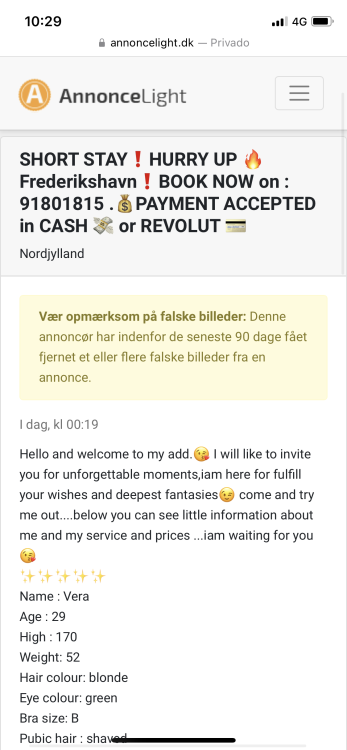
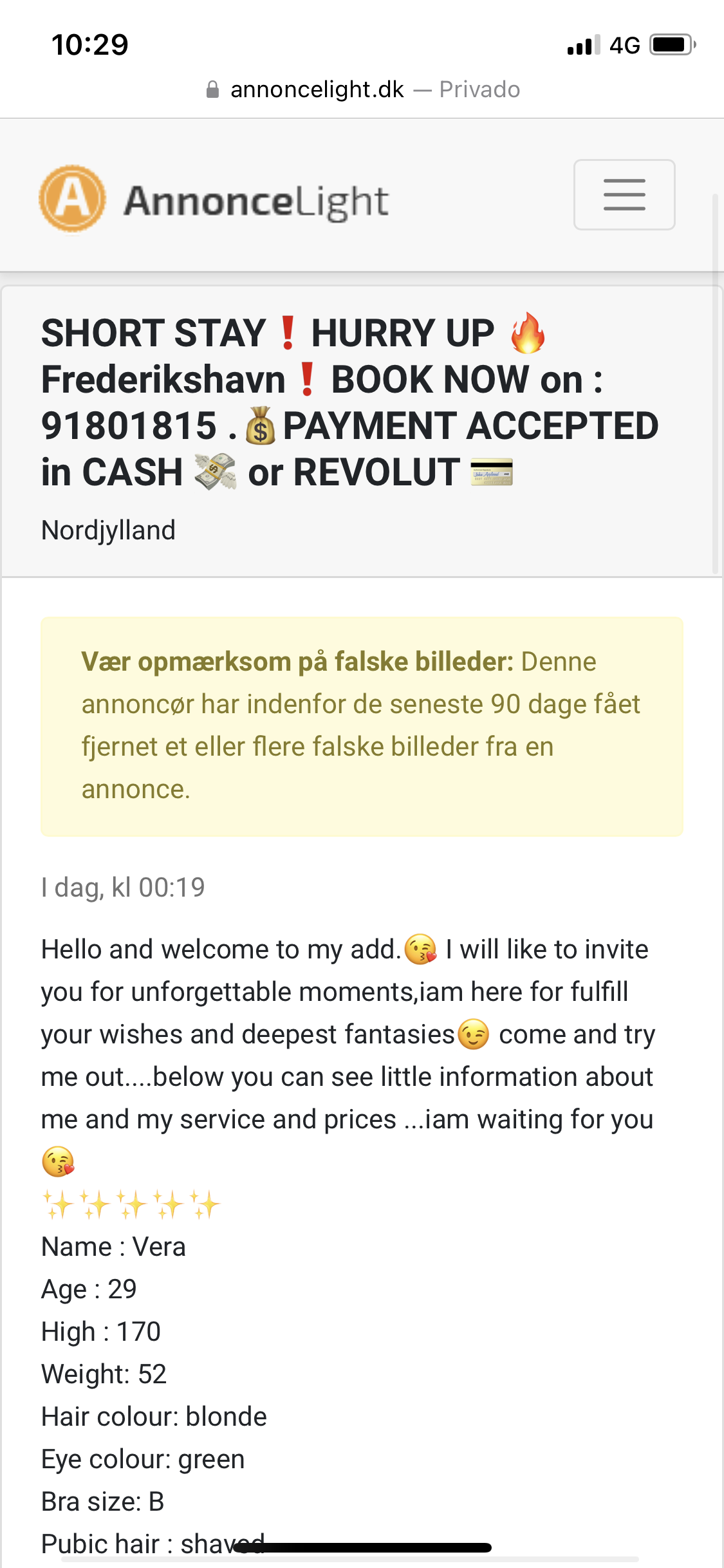
Hello everyone A new ad was created today : https://annoncelight.dk/showad/370134 The old ad was reported today (attachment) - The ad used the images of Anastasiya Timonina - nastya_ti2 103.000 Instagram followers. Photos from the old ad still appear on the escortside: https://www.escort-side.dk/Frederikshavn?ad-id=13075 Good luck for everyone! Thor.